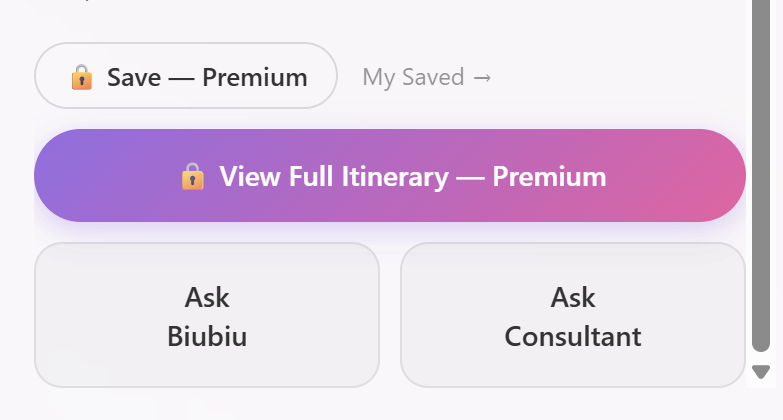
How do I save, edit, or download an itinerary?
Updated 2026-08-18
I have an itinerary. How do I keep it, change it, or take it with me?
Save — automatic. Every itinerary you generate or convert is saved to your account the moment it's created. Find them under My Trips in your account menu.
Edit — open the itinerary page and you can rename it, adjust dates, swap attractions, add or remove stops, and reorder days. Everything is covered step by step in our dedicated guide: How do I edit my itinerary — add, remove, and rearrange?

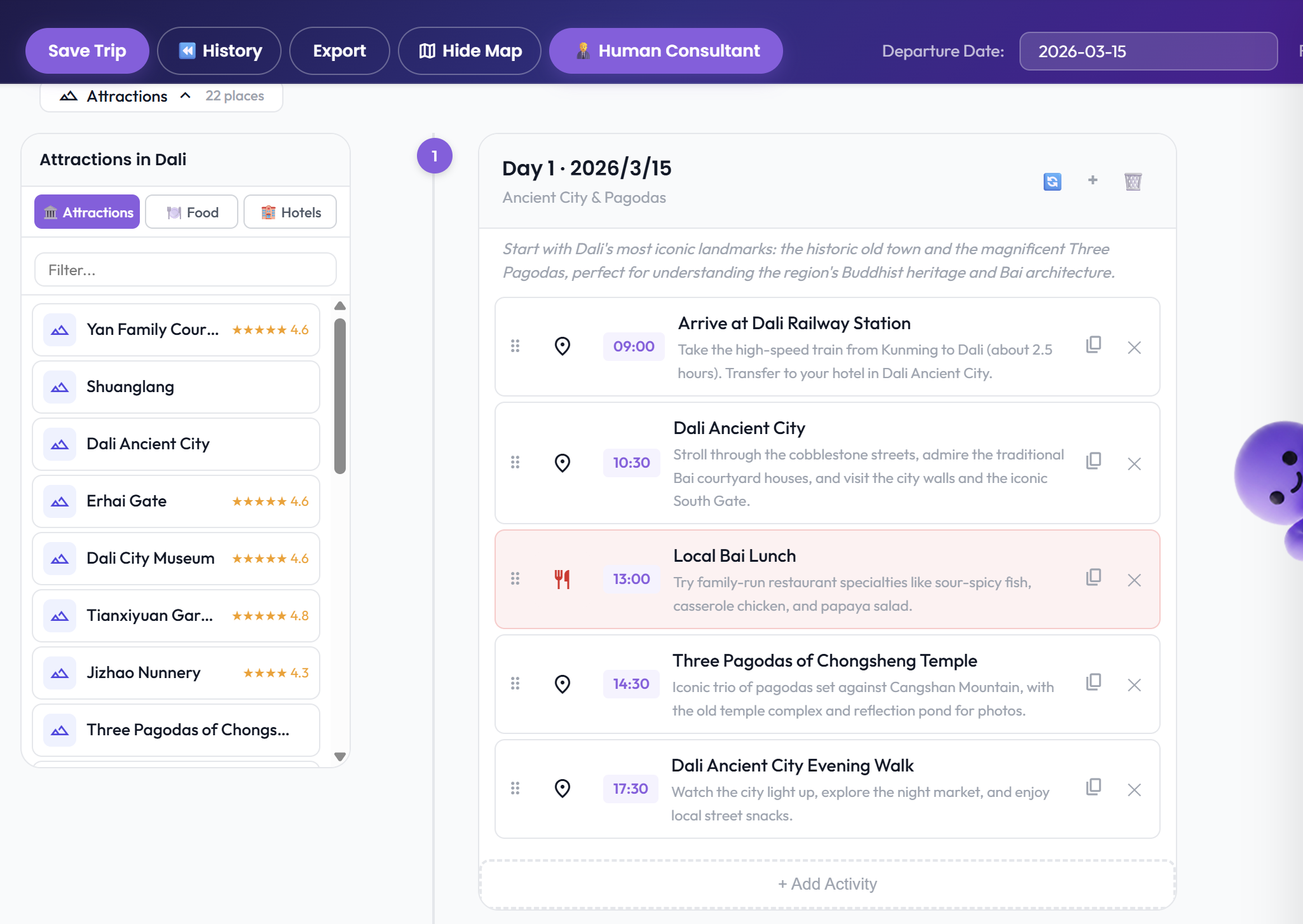
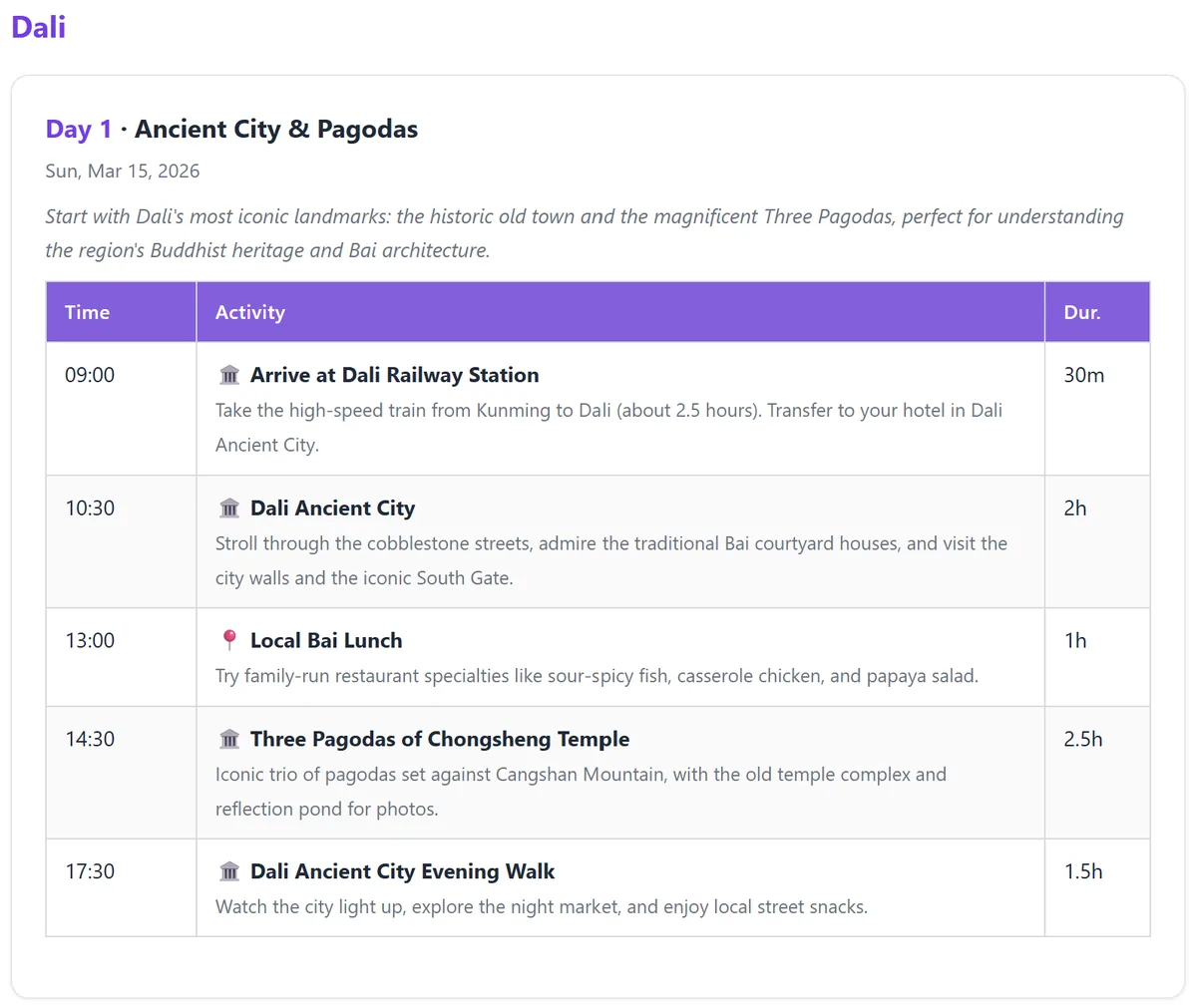
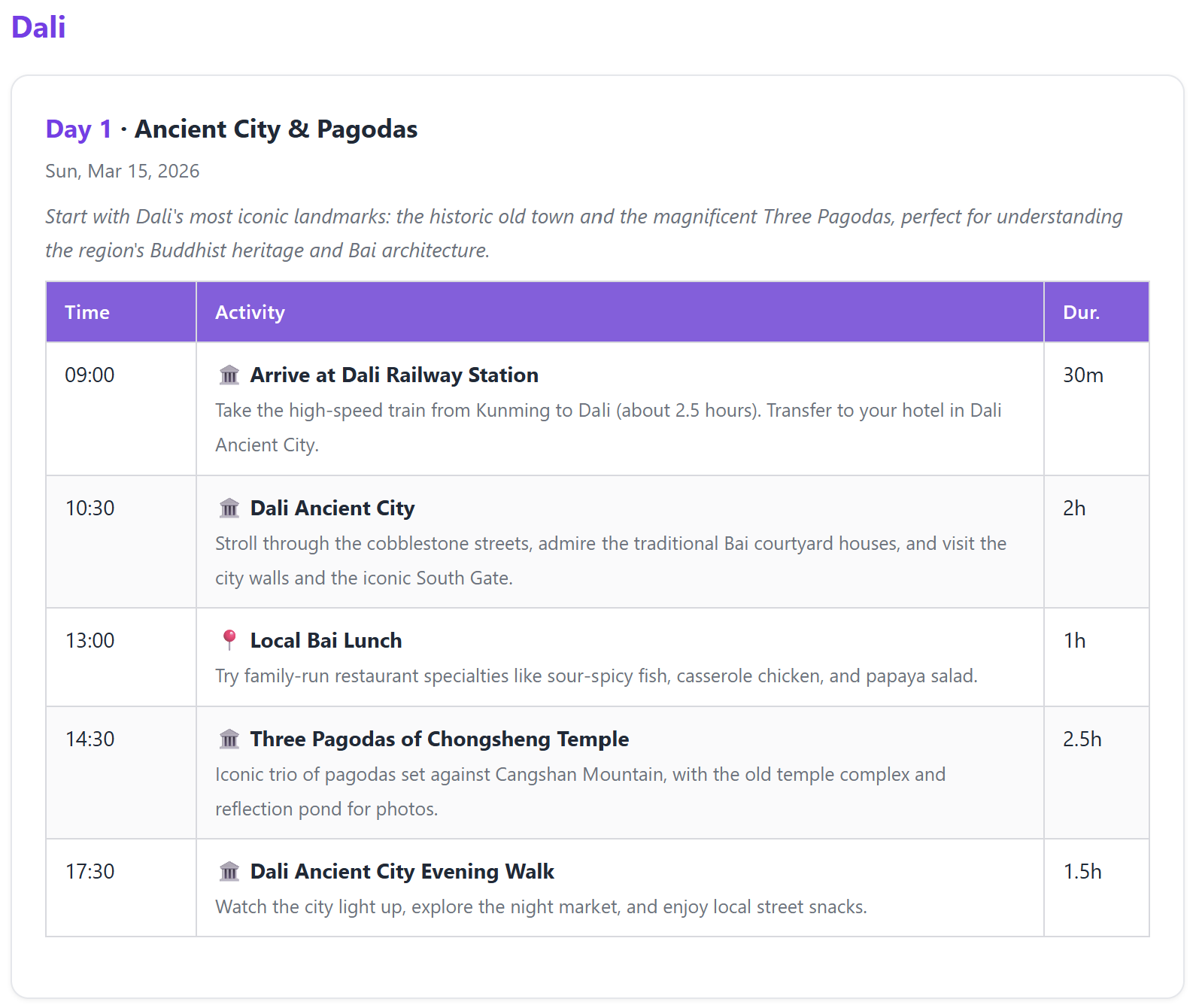
Take it with you — use the download/export option on the itinerary page. Export generates a clean, print-ready page you can save as PDF or print out for the trip — perfect when you won't have reliable data abroad.


You can also share a link to your travel companions instead of exporting.
See it in action
Exporting an itinerary to a printable, shareable document:
The exported document:


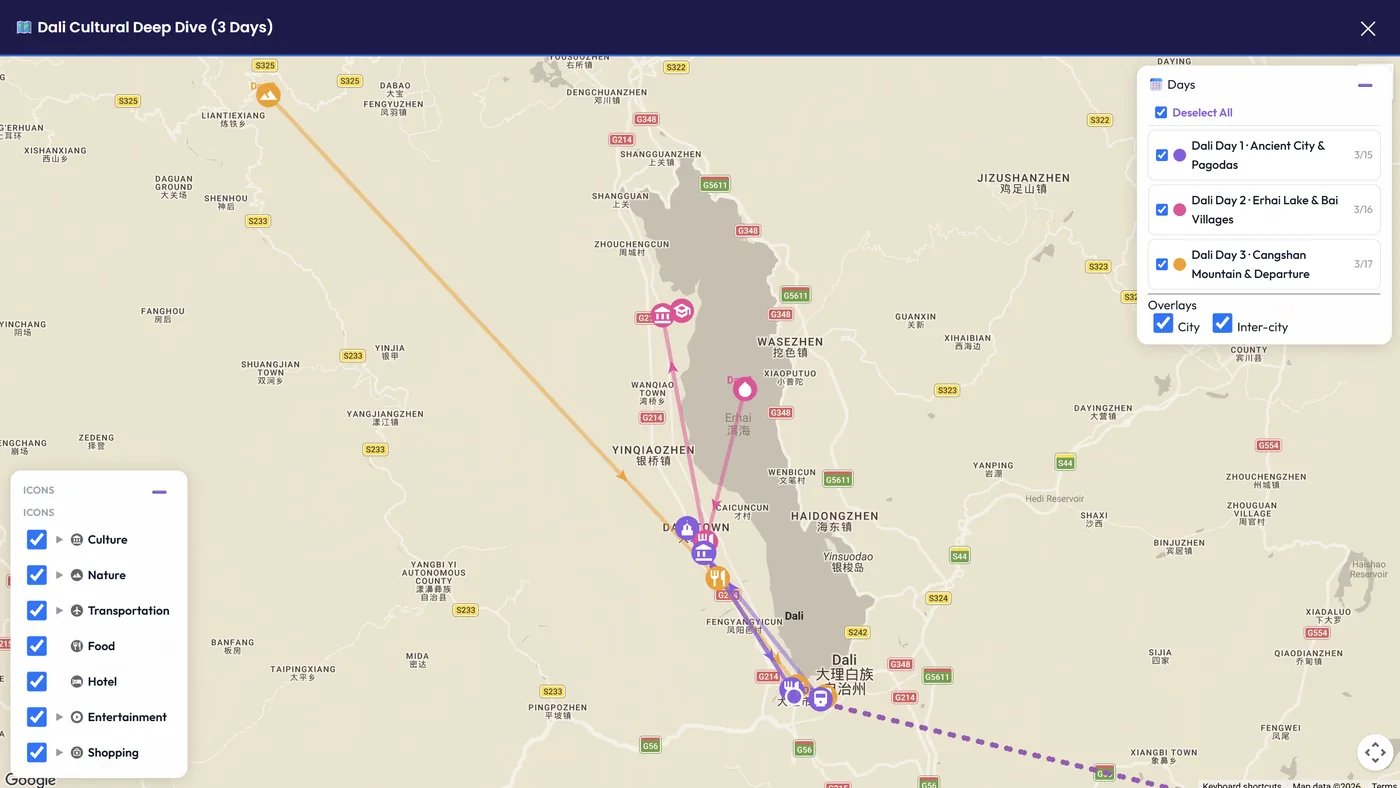
The full itinerary view you can scroll through before exporting: