
How to find trips in the Itinerary Library?
Updated 2026-08-18
Question
I heard you have ready-made trips. Where are they and how do I browse?
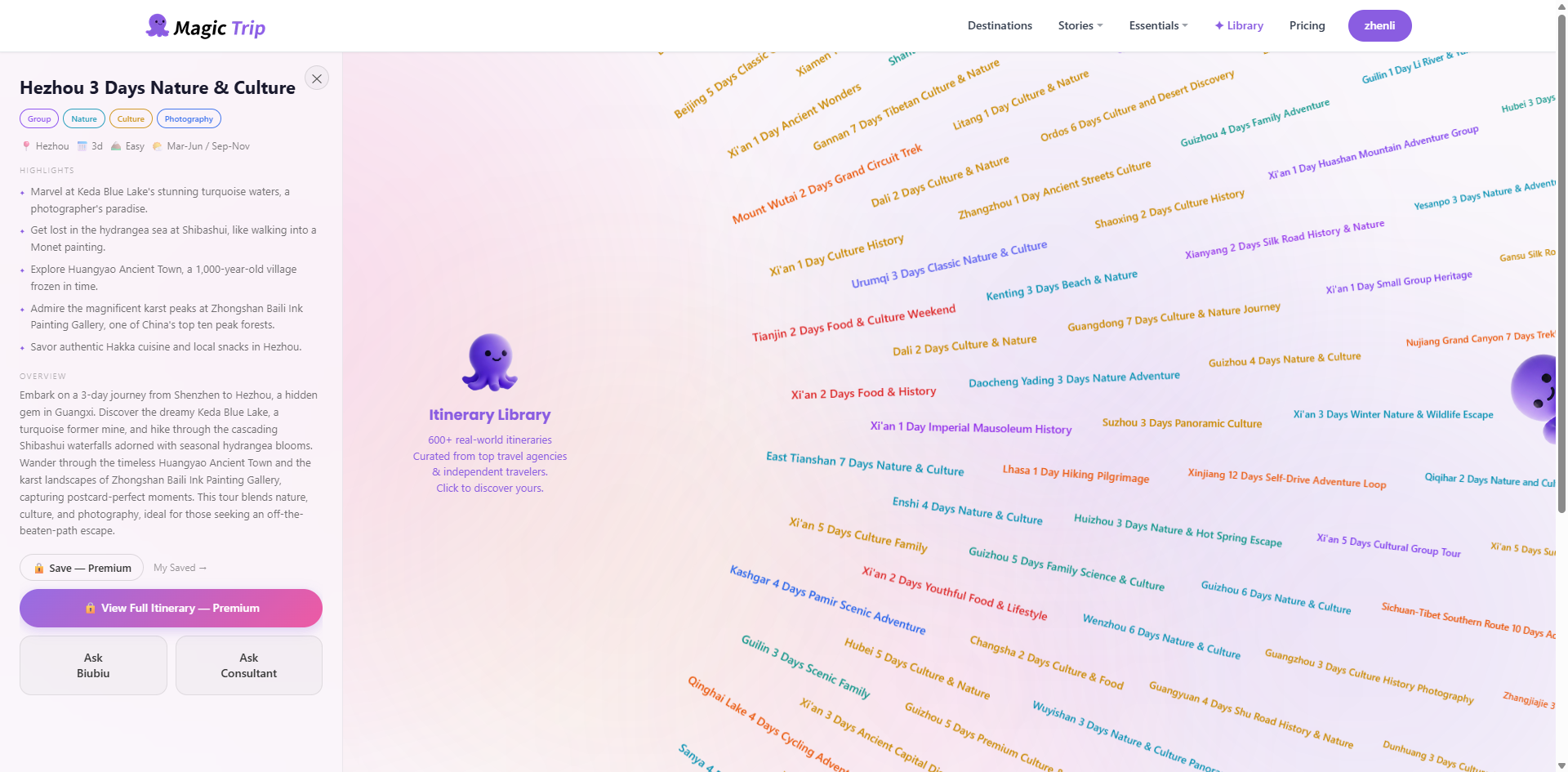
The Itinerary Library holds hundreds of curated trips across China, arranged on a radial wheel.
- Open it from the top navigation (Itinerary Library).
- The wheel shows destination labels radiating from the center — scroll or drag to explore, or zoom out to see the whole country.
- Prefer search? The search box at the top jumps straight to any destination.
- Click a label to open that trip's overview card — duration, cities, and highlights.
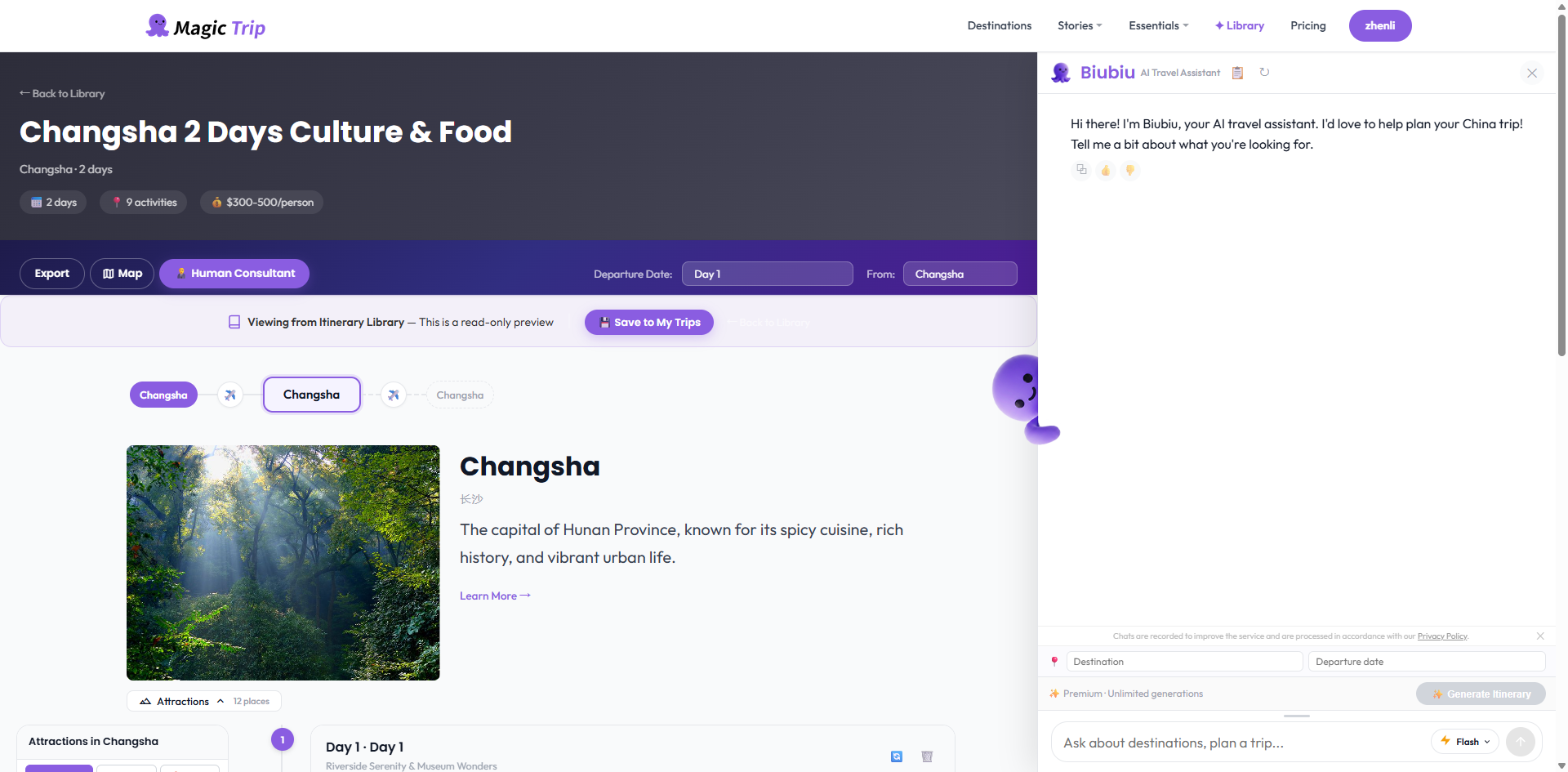
- Click through to the full trip page for the day-by-day plan.
Tip: On ultrawide monitors (2560px and wider) the wheel automatically doubles its radius to use the extra space.
See it in action
Browsing and filtering the Library: