
Can I turn a library trip into my own itinerary?
Updated 2026-08-18
Question
I found a perfect trip in the library. Can I make it mine and edit it?
Yes — with Premium, any library trip becomes yours in one click.
- Open the trip in the Itinerary Library.
- On the trip page, click Convert to My Itinerary (or the equivalent "make it mine" button).
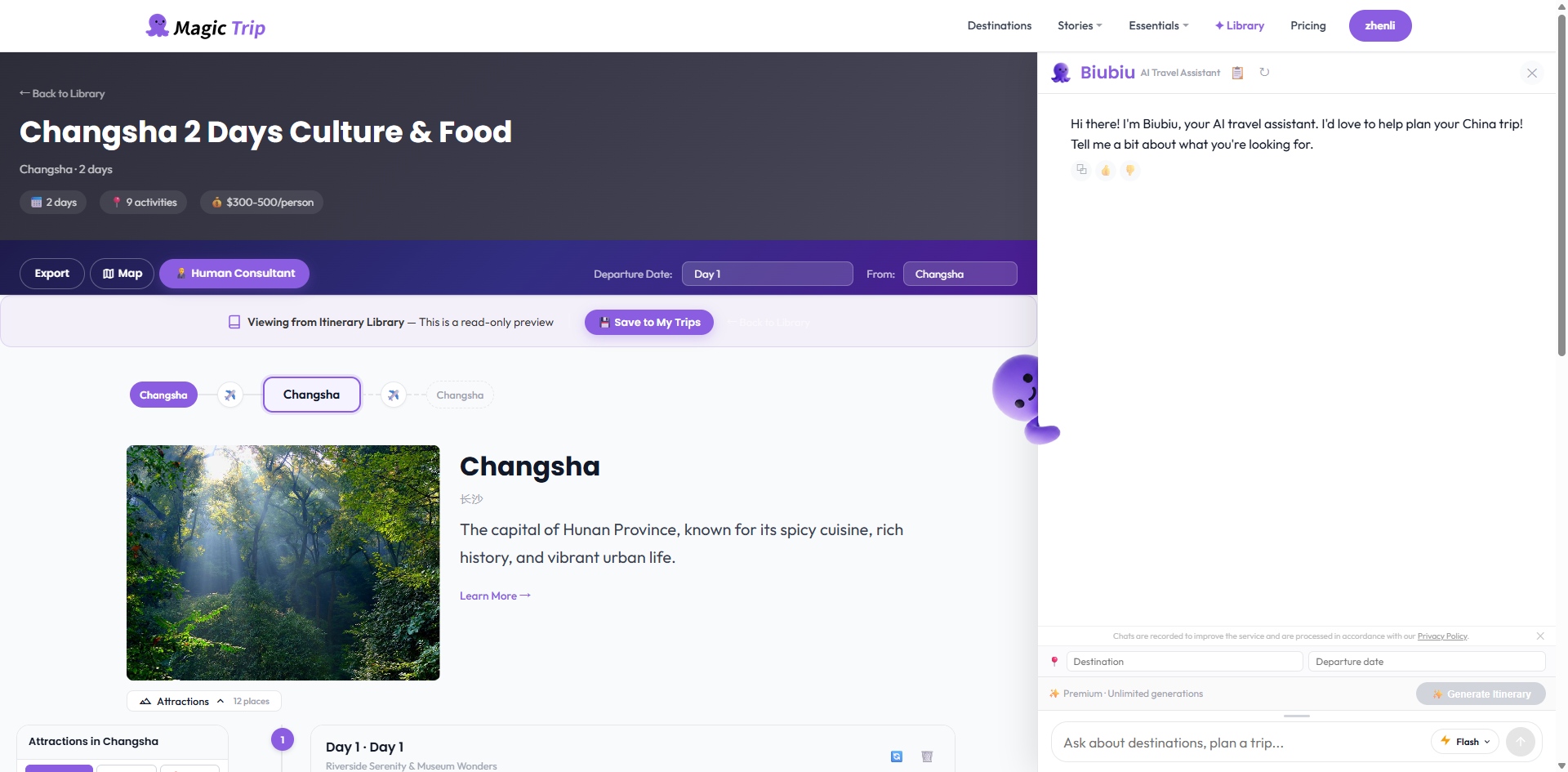
- The trip is copied to My Trips as your own itinerary — now you can edit every day freely, rename it, change dates, or share it.
What if I'm on Free?
The convert button guides you through an upgrade instead. After payment you return to the same trip page, and the button works immediately — nothing lost.
Tip: Converted trips don't touch the original in the library. Your edits are yours alone.
See it in action
Save a Library trip to your account, then find it under the Saved tab on the Itineraries page: