
My payment failed — what do I do?
Updated 2026-08-15
Question
Stripe showed an error or my card was declined.
First, don't worry — a failed payment charges nothing. Here's what to check, in order:
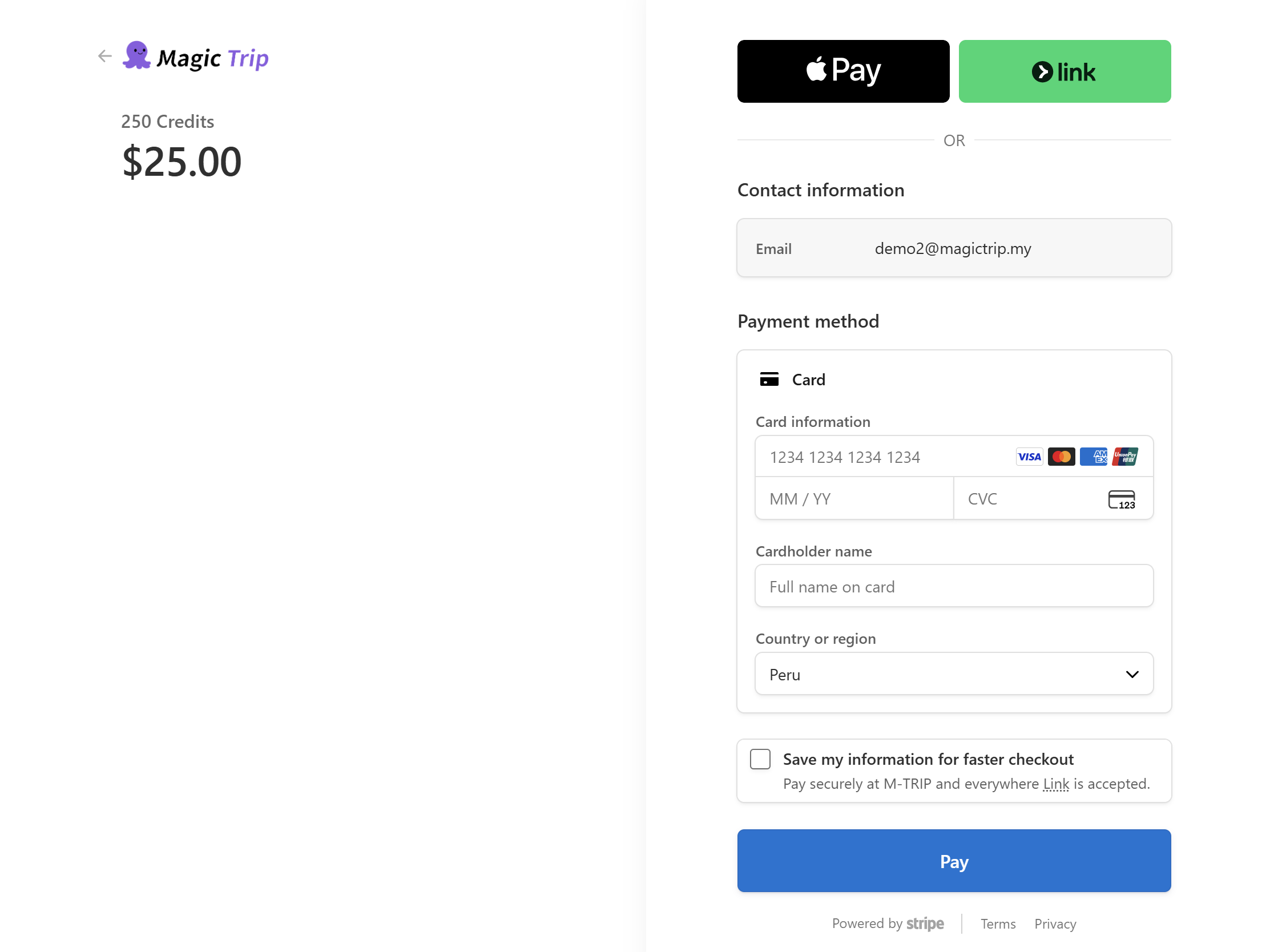
- Read the error in the Stripe checkout — it usually names the exact reason (insufficient funds, expired card, bank declined, 3D-Secure not completed).
- Retry once. Transient declines (bank connectivity, one-time authorization hiccups) often pass on the second attempt.
- Complete 3D-Secure. If your bank sent a verification SMS or app prompt and it timed out, retry and approve it promptly.
- Try another card or payment method. A different card from another bank sidesteps most decline reasons.
How to confirm whether you were charged:
- Check your bank statement. A *pending* authorization that never becomes a charge disappears by itself within days.
- Were you charged but Premium didn't activate? That's a different problem — see I paid but Premium features aren't unlocked.
Note: If the decline repeats on every card, your bank may be blocking international transactions — see Payment keeps getting declined.