
How do I cancel my subscription?
Updated 2026-08-15
Question
I want to stop my monthly/yearly subscription.
- Sign in and open your account page, then go to Billing.
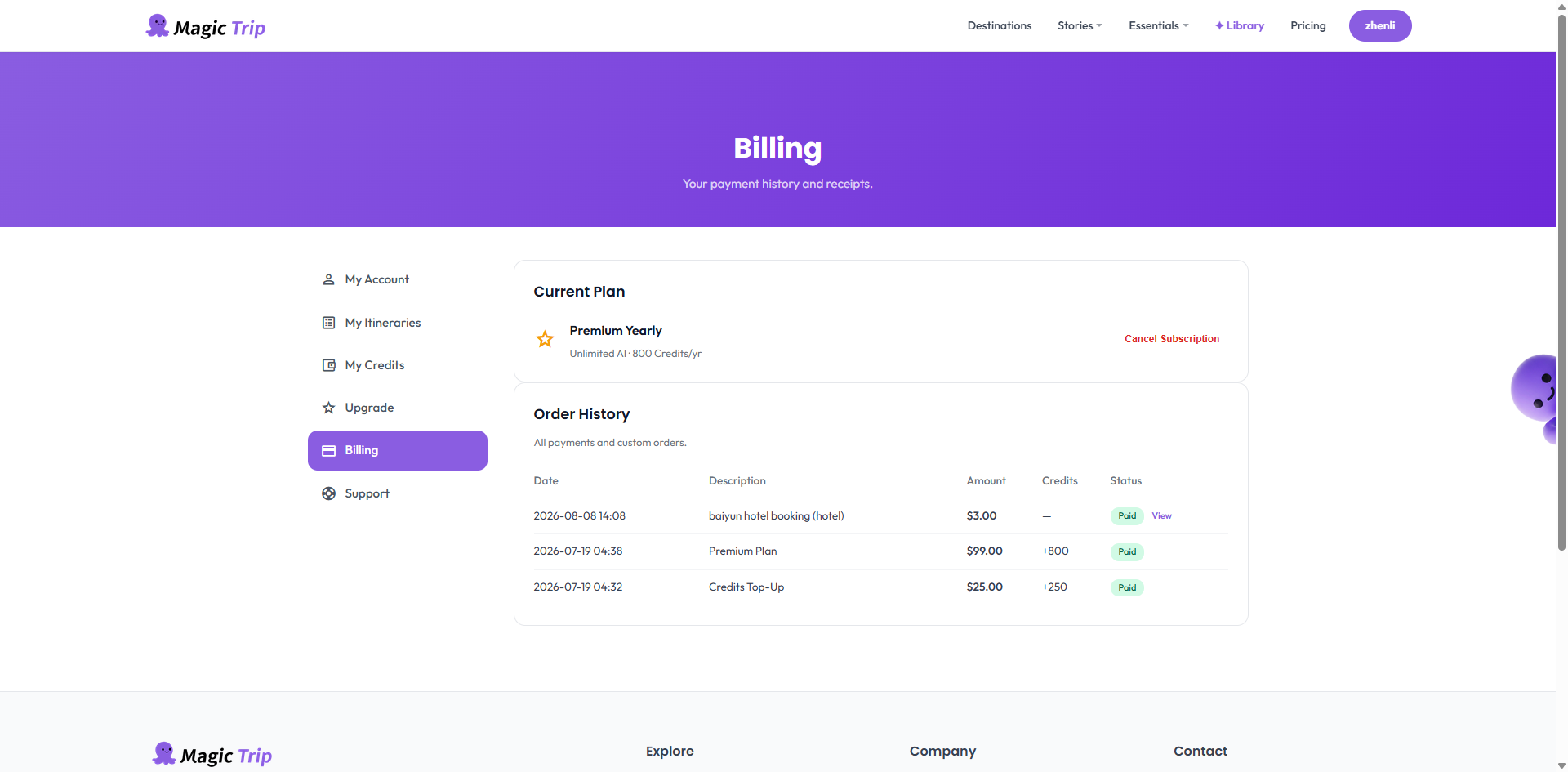
- Click Manage Subscription — this opens Stripe's secure customer portal.
- In the portal, choose Cancel plan and confirm.
- That's it. Your Premium stays active until the end of the period you already paid for; after that the account becomes Free. Your itineraries and data stay untouched.
What canceling does not do:
- No data is deleted — you keep everything.
- One-time purchases have nothing to cancel (no recurring charge exists).
- We can also cancel for you — email hello@magictrip.my with your registered email and we'll process it.
Warning: Deleting your account is separate from canceling a subscription. Cancel first, then delete the account if that's your goal — otherwise billing may continue.