
How do I change my password?
Updated 2026-08-19
Question
I want a new password.
- Sign in and open your Account page.
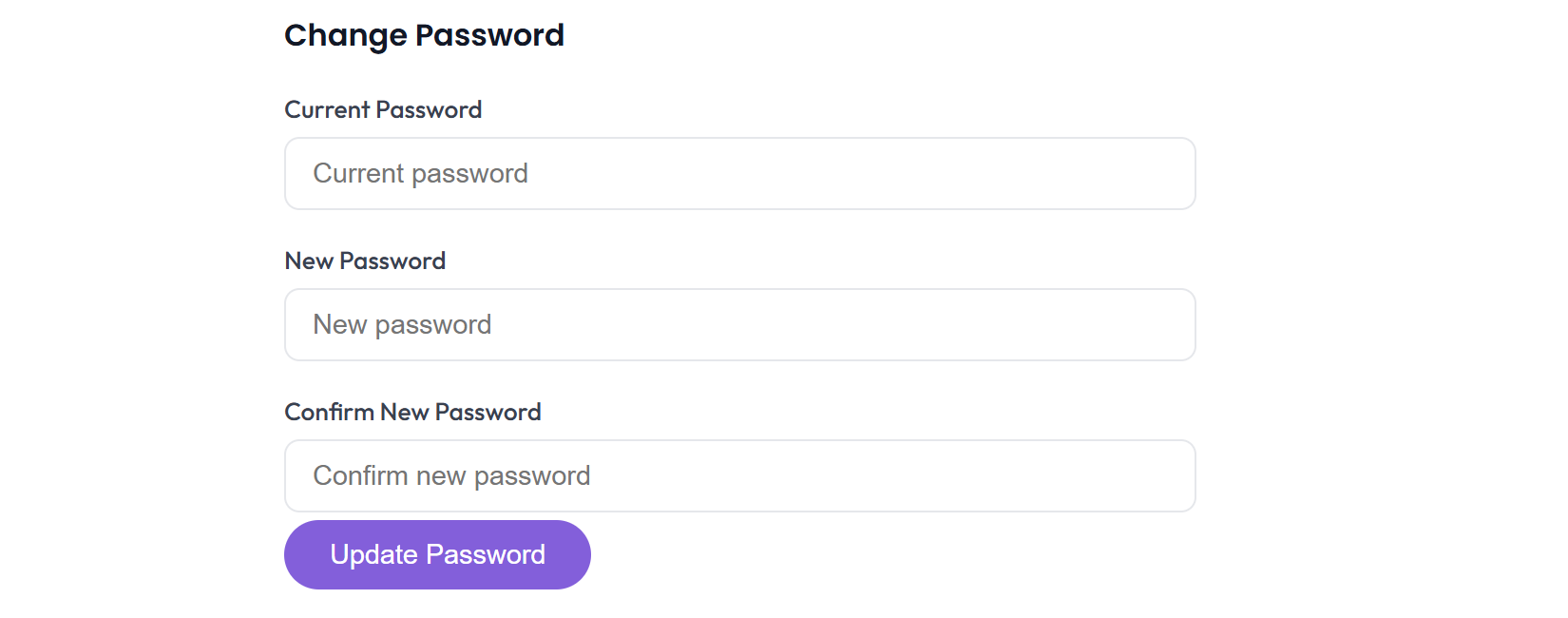
- Find the Change Password option under Profile or Security.
- Enter your current password, then your new password (at least 6 characters), and confirm.
- Save — the change takes effect immediately. You stay signed in on this device.
Google-only account?
If you signed up with Continue with Google, your MagicTrip account has no password of its own — change your password in your Google account settings instead. Your MagicTrip access follows automatically.
Forgot your password entirely?
- On the sign-in page, click Forgot password.
- Enter your account email — a reset link is sent to it.
- Follow the link, set a new password, and sign in.
Warning: A password reset link only arrives if the account has a password. If you see "This account uses Google Sign-In", use Continue with Google instead.