
How do I change my email or profile photo?
Updated 2026-08-19
Question
Can I update my email address or avatar?
- Sign in and open your Account page → Profile.
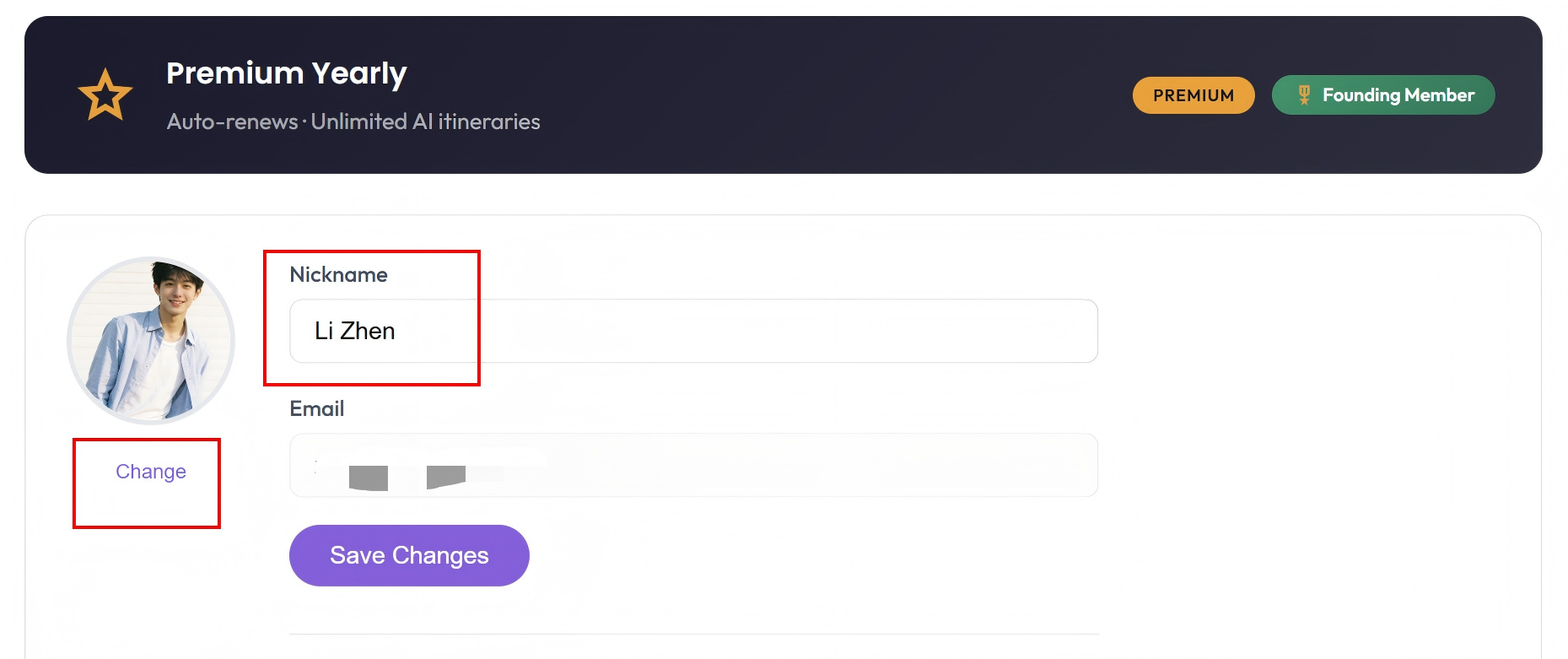
- Edit your display name and avatar there — changes save instantly.
About the email address:
- Your email is your account's identity: sign-in, receipts, and trip ownership all link to it.
- If the page offers an email change field, enter the new address and confirm it via the verification email we send.
- If your account page doesn't show an email field yet, email hello@magictrip.my with your current and desired address and we'll migrate the account for you — itineraries, plan, and history come along.
Google sign-in users:
Your avatar and name come from your Google profile — update them in Google and MagicTrip reflects the change on your next sign-in.
Tip: If you're changing your email because you lost access to the old inbox, tell us in the support email — we'll verify ownership differently.