
A tour of your account page
Updated 2026-08-15
Question
What can I do on the account page?
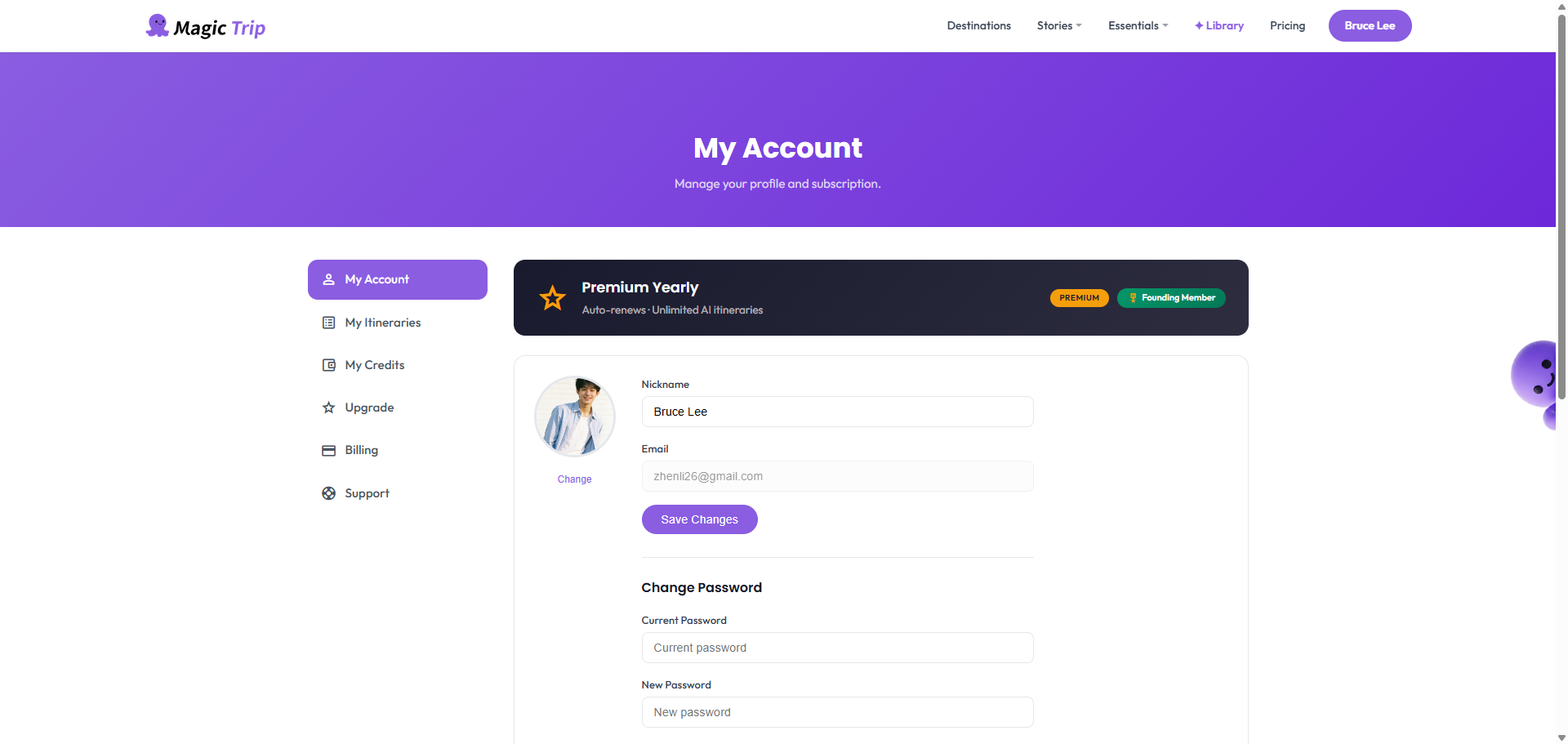
After signing in, click your avatar in the top navigation and choose Account. Here is what you will find:
- Profile — your name, email and avatar. You can edit them here.
- Plan — your current plan status: Free, Premium (subscription) or Premium (one-time). The upgrade button lives here if you are on Free.
- AI usage — how many of your monthly itinerary generations are left (Free plan). Premium shows unlimited.
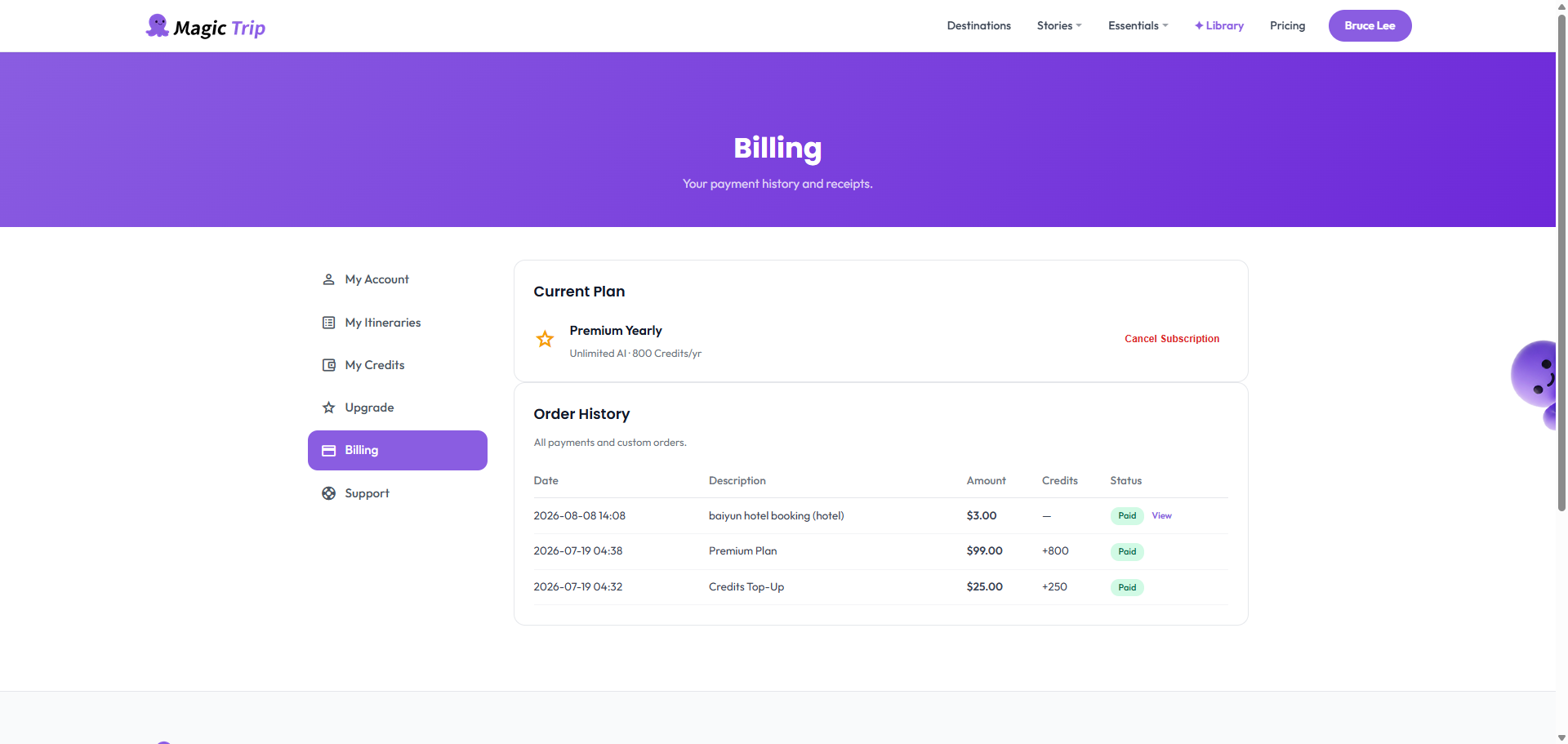
- Billing — a link to the billing area where subscriptions, invoices and receipts live.
From Billing you can manage your subscription, download invoices, and update payment details — all handled through Stripe's secure portal.
Tip: The account page reflects your plan immediately after payment. If it still says Free, sign out and back in once.