
How do I sign in with Google?
Updated 2026-08-15
Question
I want to log in with my Google account instead of a password.
- Open the sign-in page.
- Click Continue with Google and pick your Google account in the popup.
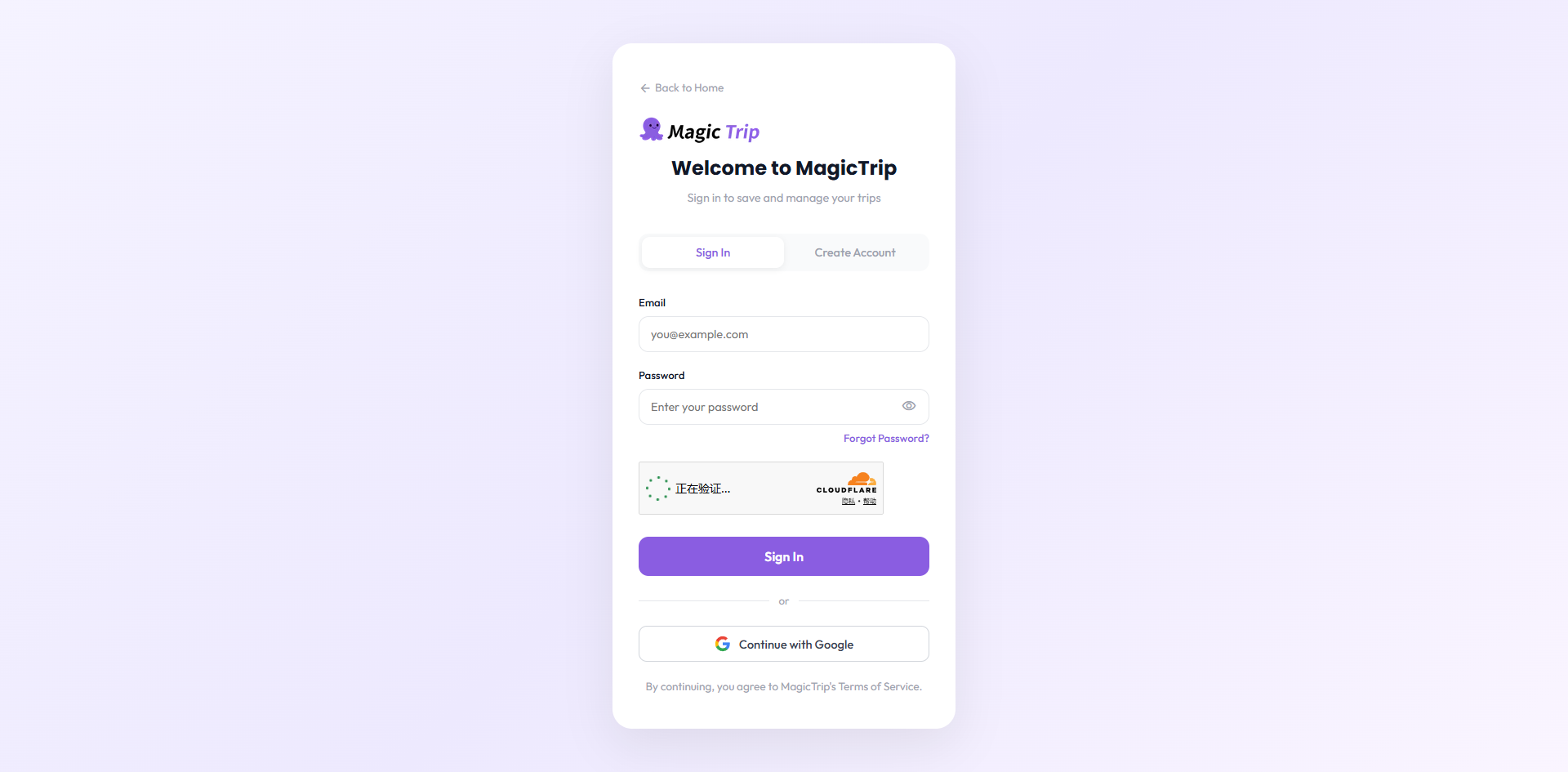
- The first time, Google asks you to approve sharing your name and email. Click Allow.
- You are in — no password needed. Every later visit is the same one-click flow.
What happens behind the scenes:
- If it is your first Google sign-in, MagicTrip creates an account for you automatically.
- If an account with that same verified email already exists, we link the two — one account, two ways to sign in.
Note: If you ever see "This account uses Google Sign-In. Please continue with Google.", it means that email address has no password set — just click Continue with Google to get in.