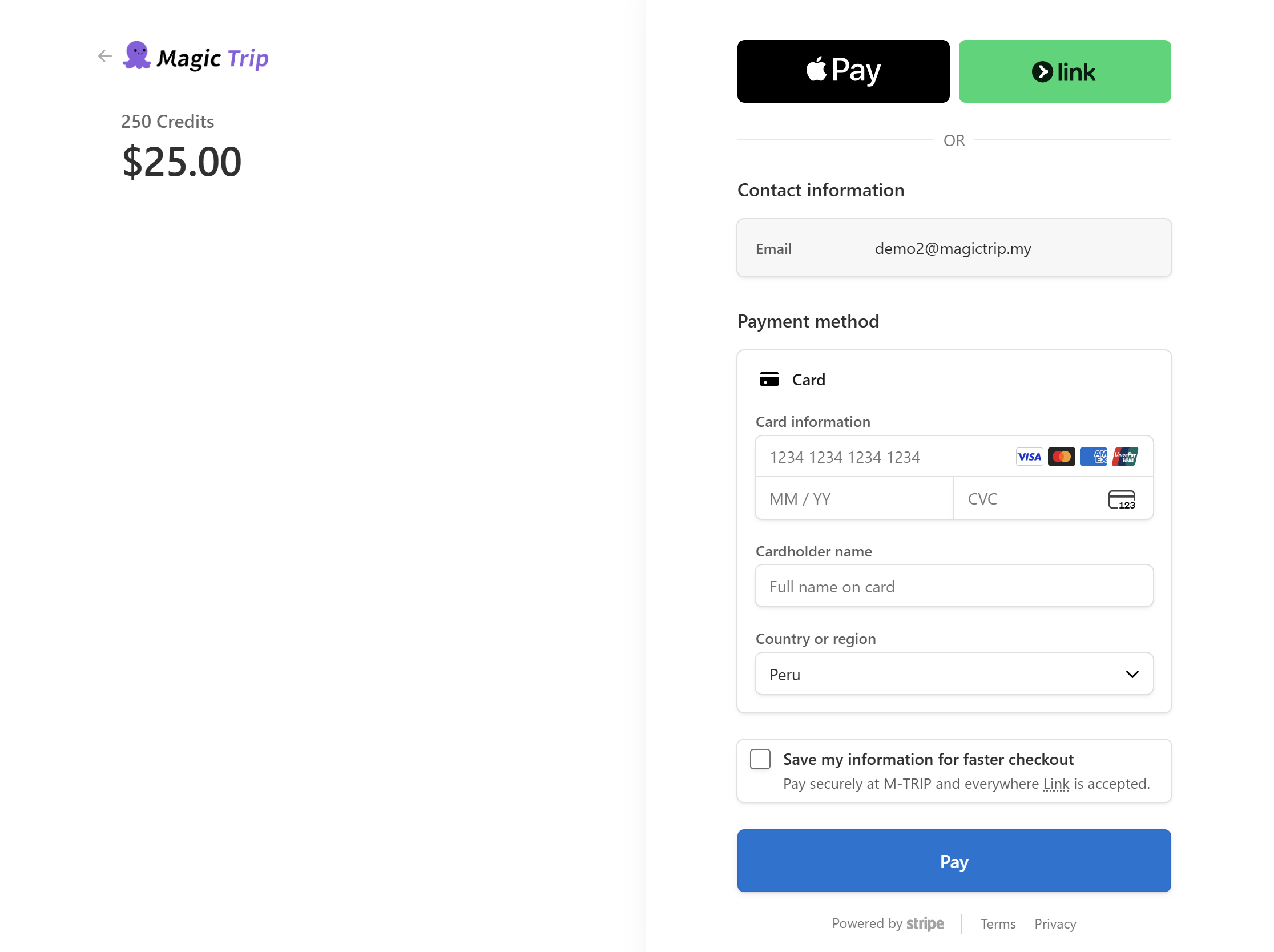
How do I upgrade to Premium and what happens after payment?
Updated 2026-08-19
Question
I want Premium. How do I pay, and what happens right after?
You can start the upgrade from anywhere you hit a Premium lock — the pricing page, the model picker in the chat, or a locked item in the Itinerary Library.
- Click any upgrade entry point. If you are not signed in, you are asked to log in first — and after that you return automatically to the page you were on.
- On the pricing page pick your plan: Subscribe (monthly or yearly) or One Time (lifetime).
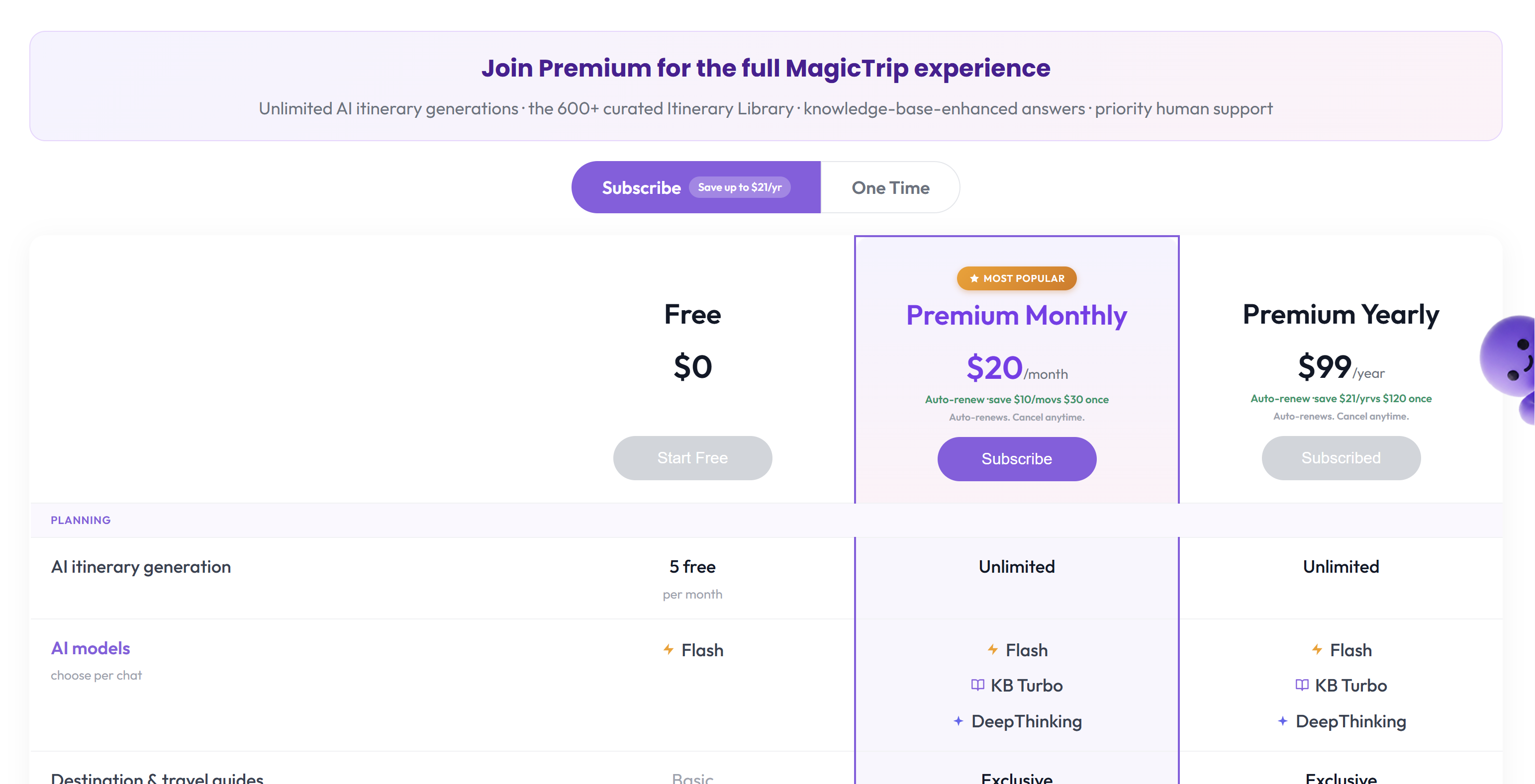
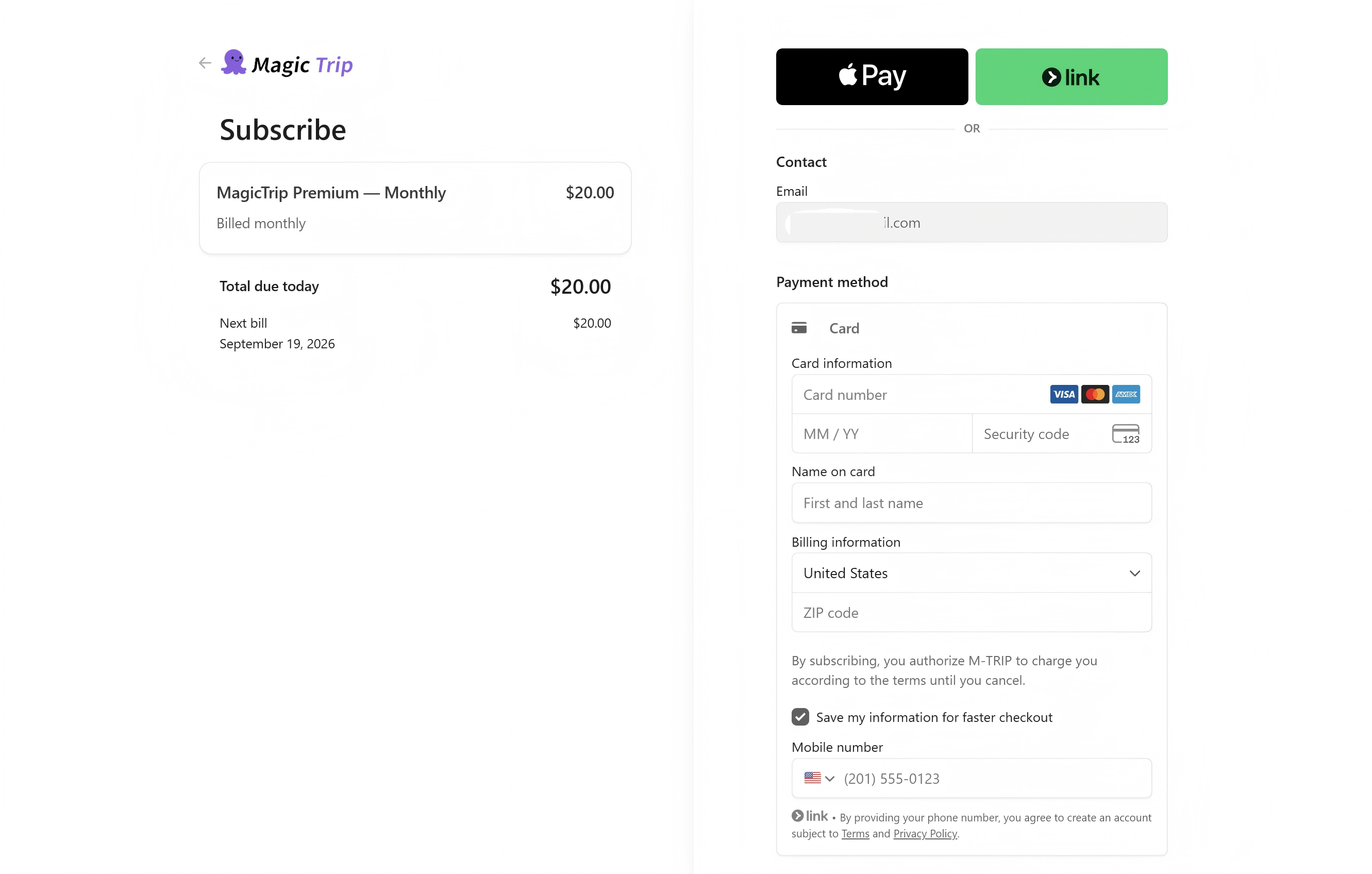
- Click the button in your chosen column. Stripe's secure checkout opens — fill in your card details. Your card is processed by Stripe; we never see or store it.
- After payment succeeds you land back on the page you started from, and Premium is active immediately.
When you hit a Premium feature before upgrading, it shows a lock badge — upgrade and you come right back to the same action.
Note: If a feature still looks locked after payment, sign out and back in once. Still locked? See I paid but Premium features aren't unlocked.
What checkout looks like
The payment screen (Stripe):