
How do I create an account?
Updated 2026-08-19
Question
I just found MagicTrip and want to make an account. Where do I start?
- Open the sign-in page and click the Register tab.
- Fill in your name, email address, and a password (at least 6 characters).
- Complete the human verification (Cloudflare Turnstile) — this keeps spam bots out.
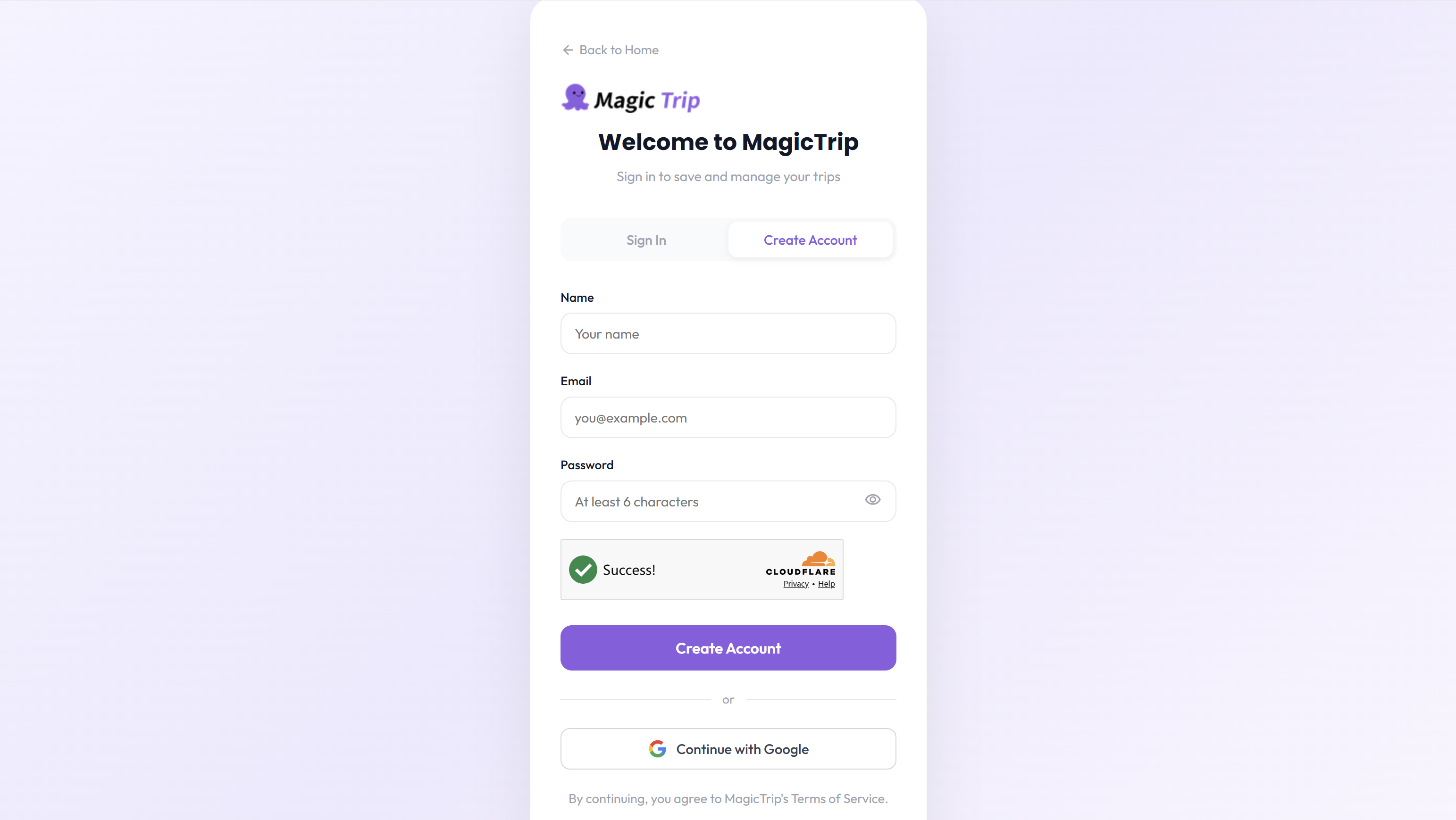
- Click Create Account. You are signed in immediately and return to the page you were browsing.
- Check your inbox for our welcome email — it confirms your registration.
Tip: The register form lives on the same page as sign-in. If you see "Sign In" instead of "Register", just click the Register tab at the top of the form.
If the welcome email doesn't arrive, check your spam or junk folder first. Still missing? Contact hello@magictrip.my and we will check from our side.