
I already have a password account — how do I connect Google sign-in?
Updated 2026-08-15
Question
I registered with email and password. Can I also use Google to log in?
You don't need to do anything special — linking happens automatically.
- Make sure the Google account you will use has the same email address as your MagicTrip password account.
- Sign out if you are currently signed in, open the sign-in page, and click Continue with Google.
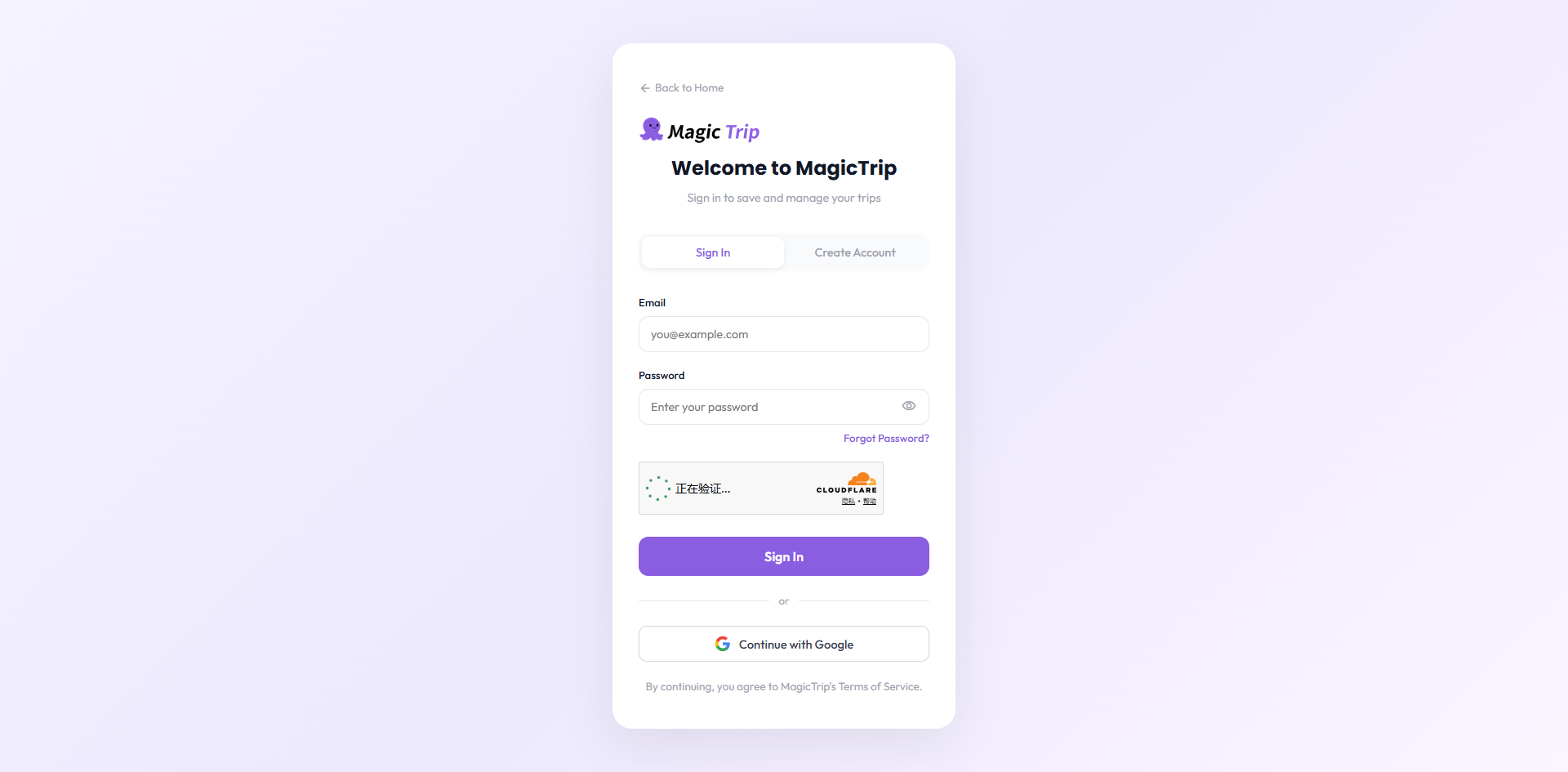
- Choose that Google account and approve the access prompt.
- Done. From now on you can sign in with either your password or Google — both open the same account, with the same itineraries and plan.
Warning: If the Google account uses a different email address, it will create a separate, brand-new MagicTrip account. To connect your password account, the emails must match exactly.