How to use the trip anchor bar (destination + date)?
Updated 2026-08-18
Question
There's a bar with Destination and Departure date in the chat. How do I use it?
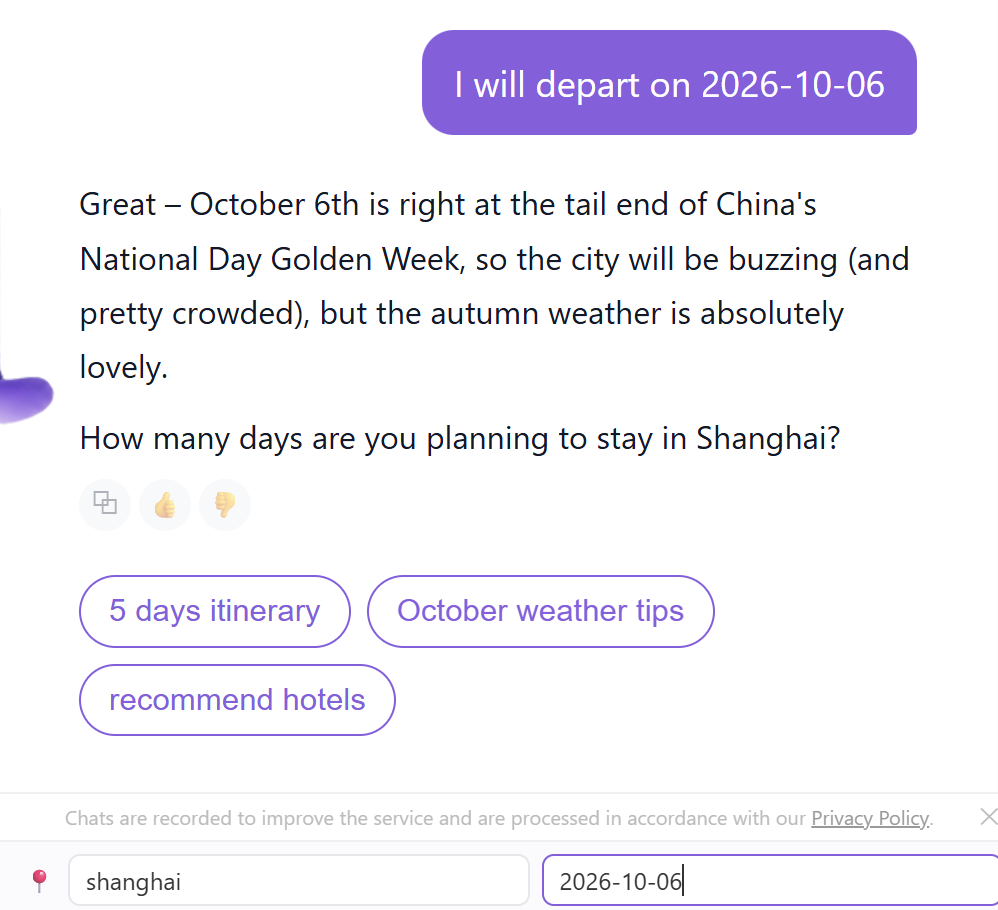
The anchor bar sits at the bottom of the Biubiu chat. It's the quickest way to tell Biubiu where and when you're going — before you type a single word.
- Open Biubiu and look at the 📍 bar below the message list.
- Type your destination in the Destination field — as you type, matching cities appear; click one to select.

- Click the Departure date field and pick a date from the calendar. On phones this opens your device calendar.
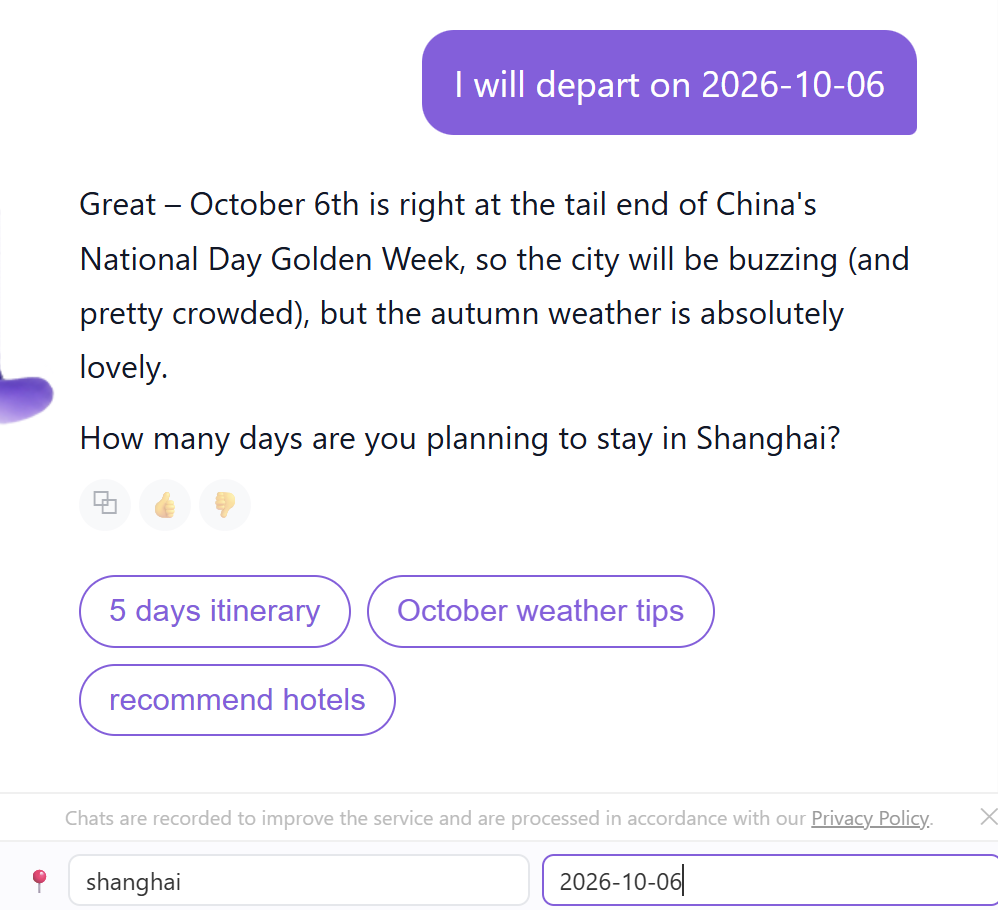
- Click the send arrow. Biubiu receives your destination and date as one message and immediately starts working with them.
Tip: You can clear the fields and fill them again anytime. And don't worry about double-sending — confirming once sends one message, even if you adjusted the calendar a few times first.
Note: The anchor bar is a shortcut, not a requirement. You can also just type "Xi'an in October" and Biubiu will understand.
What it looks like
Setting a destination from the anchor bar:

Setting the departure date: