
How do I start a new conversation or view history?
Updated 2026-08-18
Question
Can I clear the chat, start over, or go back to an old conversation?
- Open Biubiu and look at the chat header — two small buttons live next to the title:
- ↻ New conversation — starts a fresh chat. Use this when you switch to a different trip idea.
- 📋 History — opens the list of your past conversations.
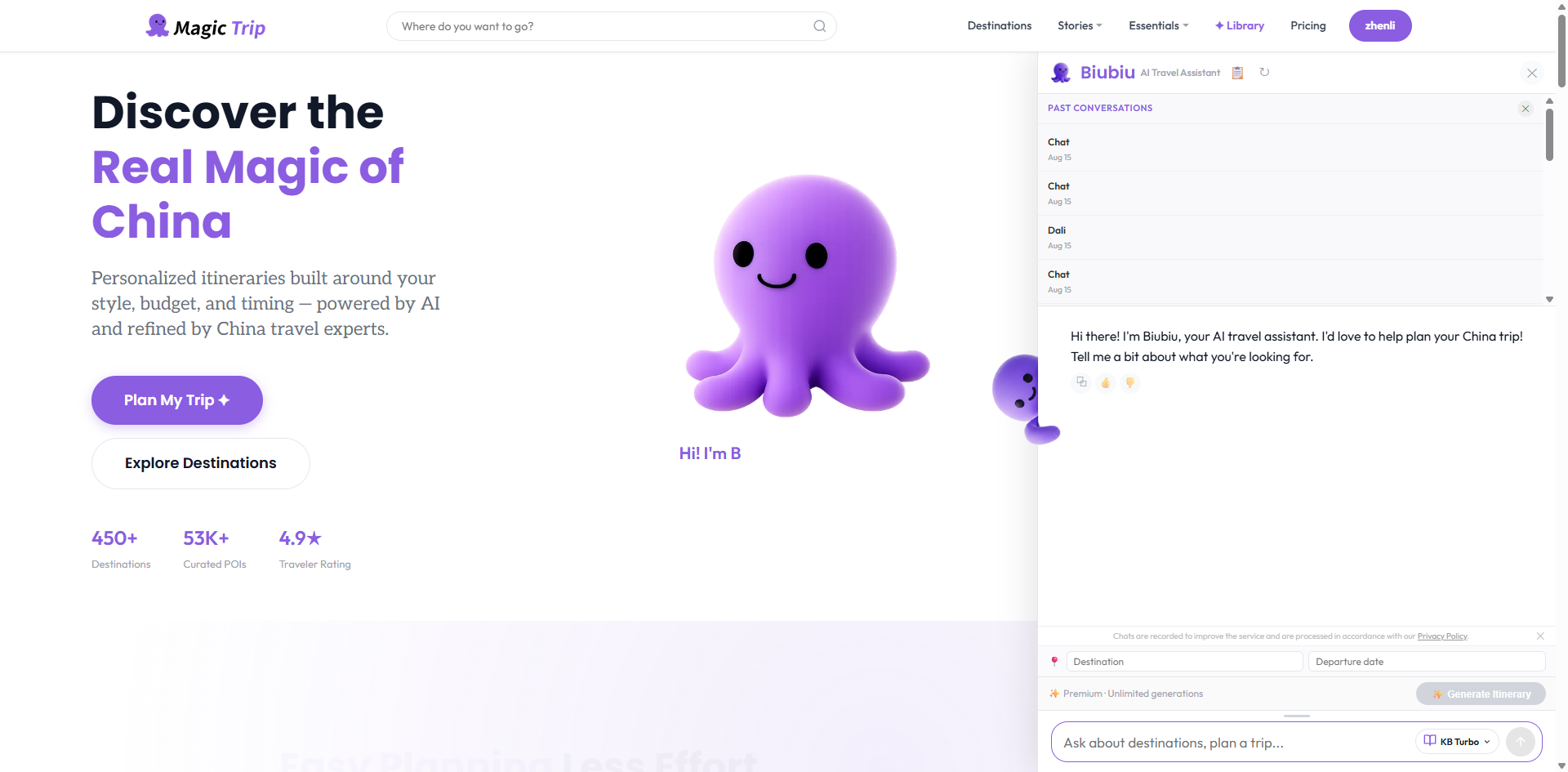
- In the history panel, click any past conversation to jump back into it and keep chatting from where you left off.
- Want to wipe it all? Open the history panel and start a new conversation — old sessions stay listed unless you remove them.
Tip: Starting a new conversation never touches your saved itineraries — those live in My Trips, separate from the chat.
See it in action
Reopening a past conversation and picking up where you left off: