
What are Flash / KB Turbo / DeepThinking modes and how do I switch?
Updated 2026-08-19
Question
There's a model selector in the chat. What do the three options mean?
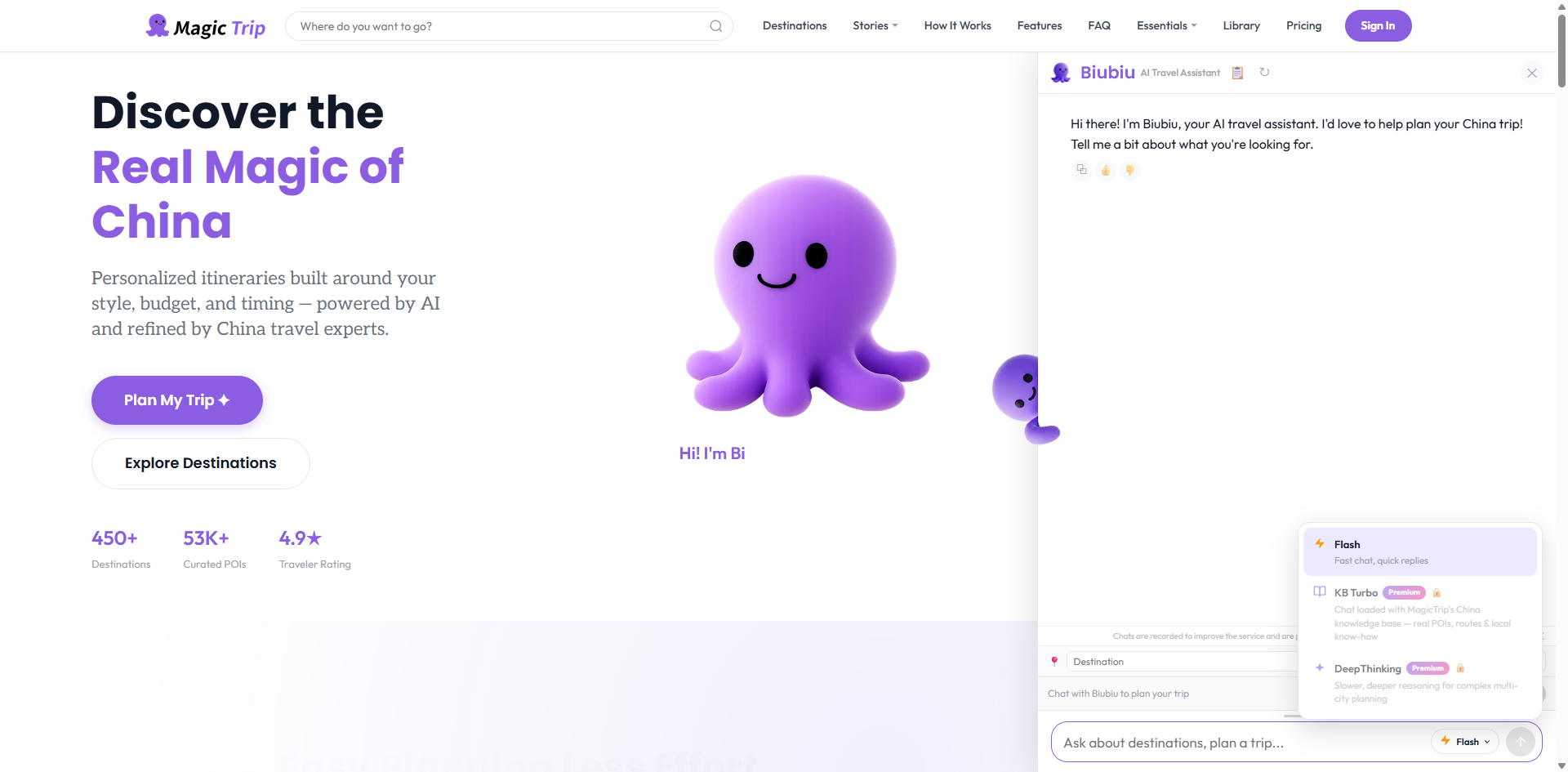
Biubiu runs on three modes. The selector button sits right next to the send button in the chat input row.
- Click the mode button (it shows the current mode, e.g. Flash) to open the picker.
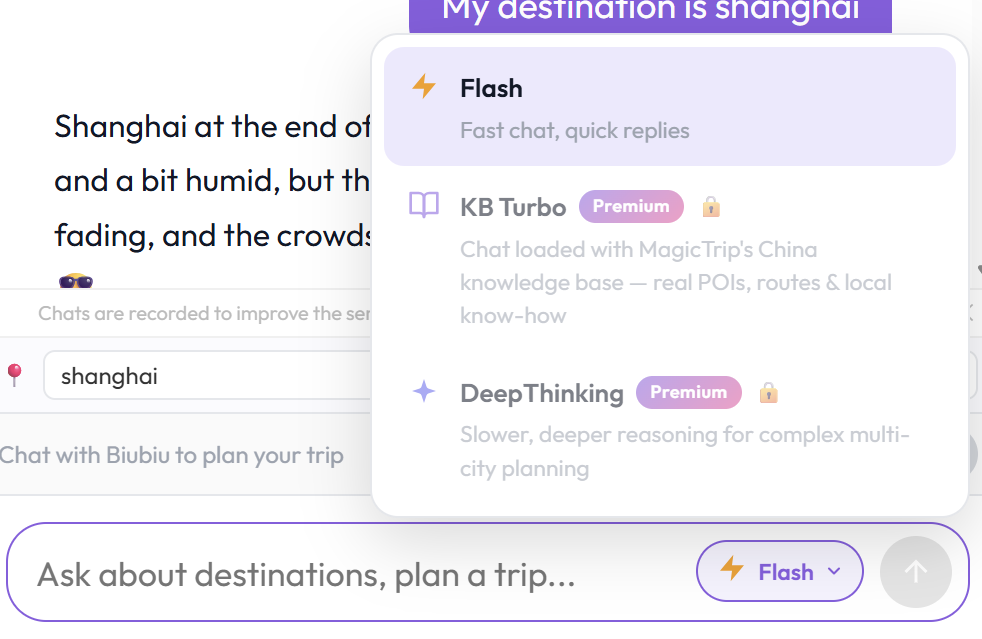
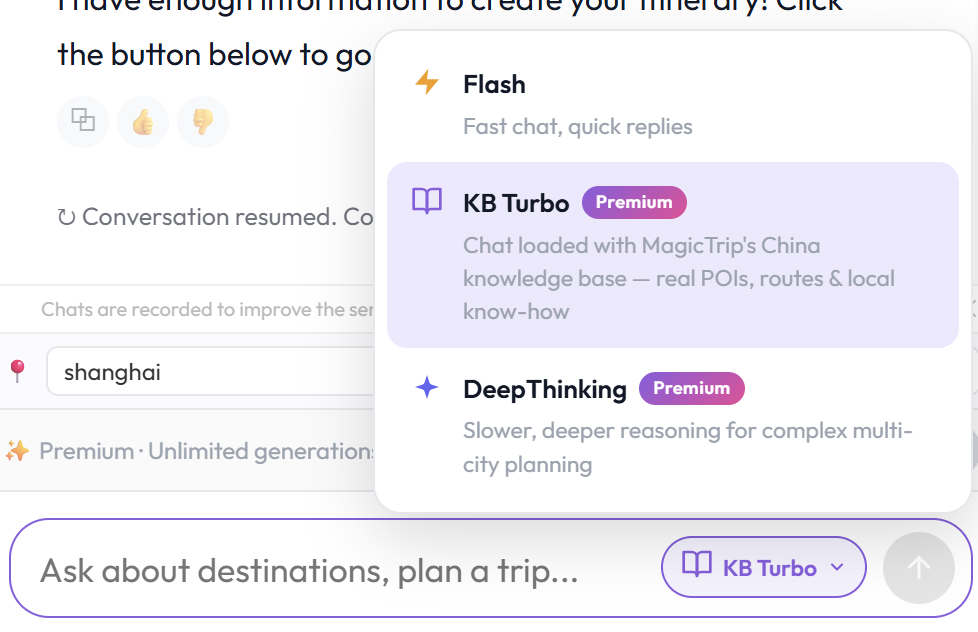
- Pick one:
- Flash — fast, free. Perfect for quick questions and casual planning.
- KB Turbo — Premium. Loads MagicTrip's China knowledge base into the conversation: real POIs, routes, and local know-how you won't get from a generic model.
- DeepThinking — Premium. Slower, deeper reasoning. Best for complex multi-city trips and hard trade-offs.
- The button updates to your chosen mode, and stays as your default for future sessions while logged in.
If you're on Free and pick a Premium mode, you'll see a lock prompt with an upgrade path — after upgrading you land right back in the same chat.
Which one when?
- "What's the weather like in Hangzhou in April?" → Flash
- "Give me hidden food streets in Chengdu locals actually go to" → KB Turbo
- "Fit Beijing, Xi'an and Chengdu into 10 days with two kids, minimize travel time" → DeepThinking